Properties
Properties is where a management office sets up the property hierarchy: projects, blocks, levels, units, common areas and parking zones. Share units entered here drive maintenance fee and sinking fund billing automatically, and access zoning is inherited down the hierarchy so gate, door and lift permissions are correct from day one.
Property managers use it to register owners, transfer ownership, assign parking, and turn individual modules on or off per property.

Block B is selected. Switch layer to redraw the same site as parking or as access zoning.
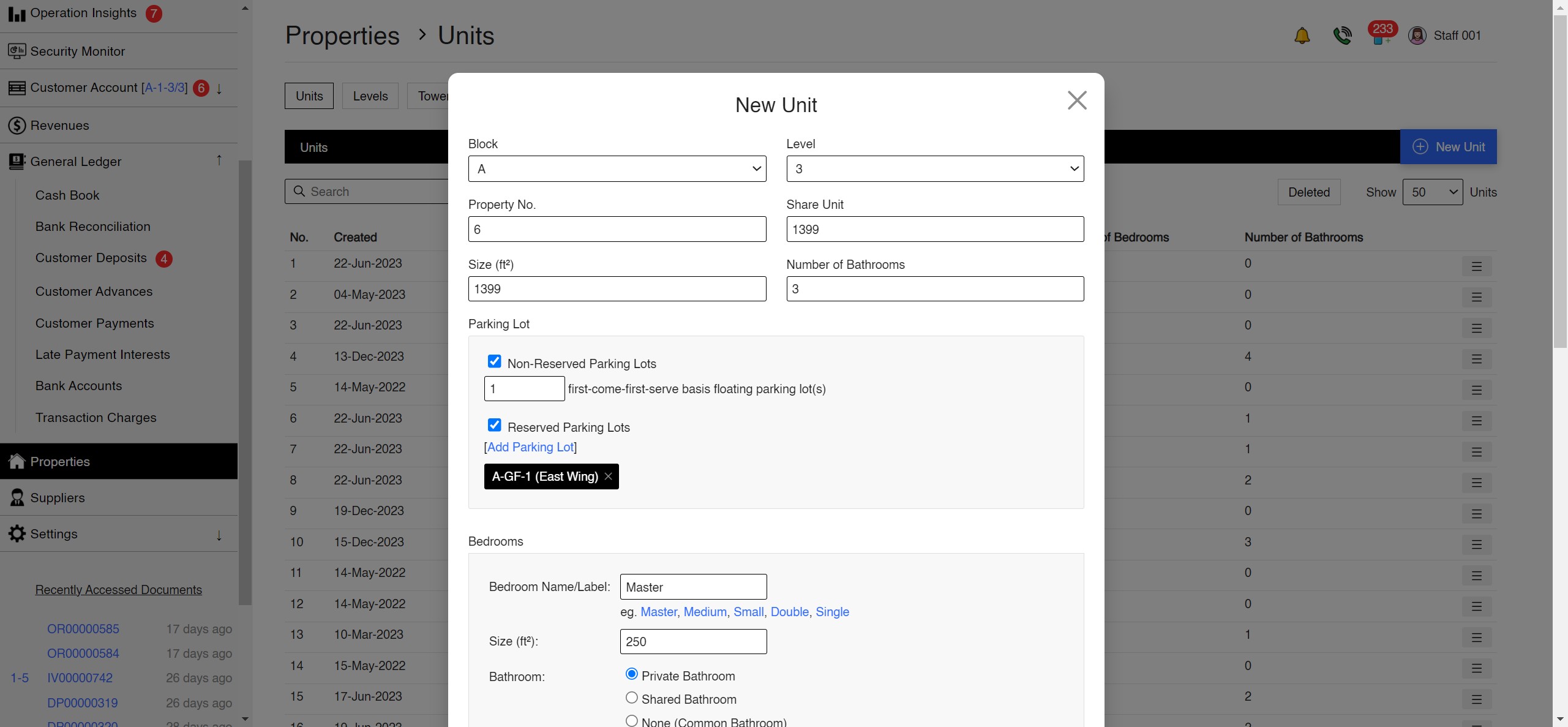
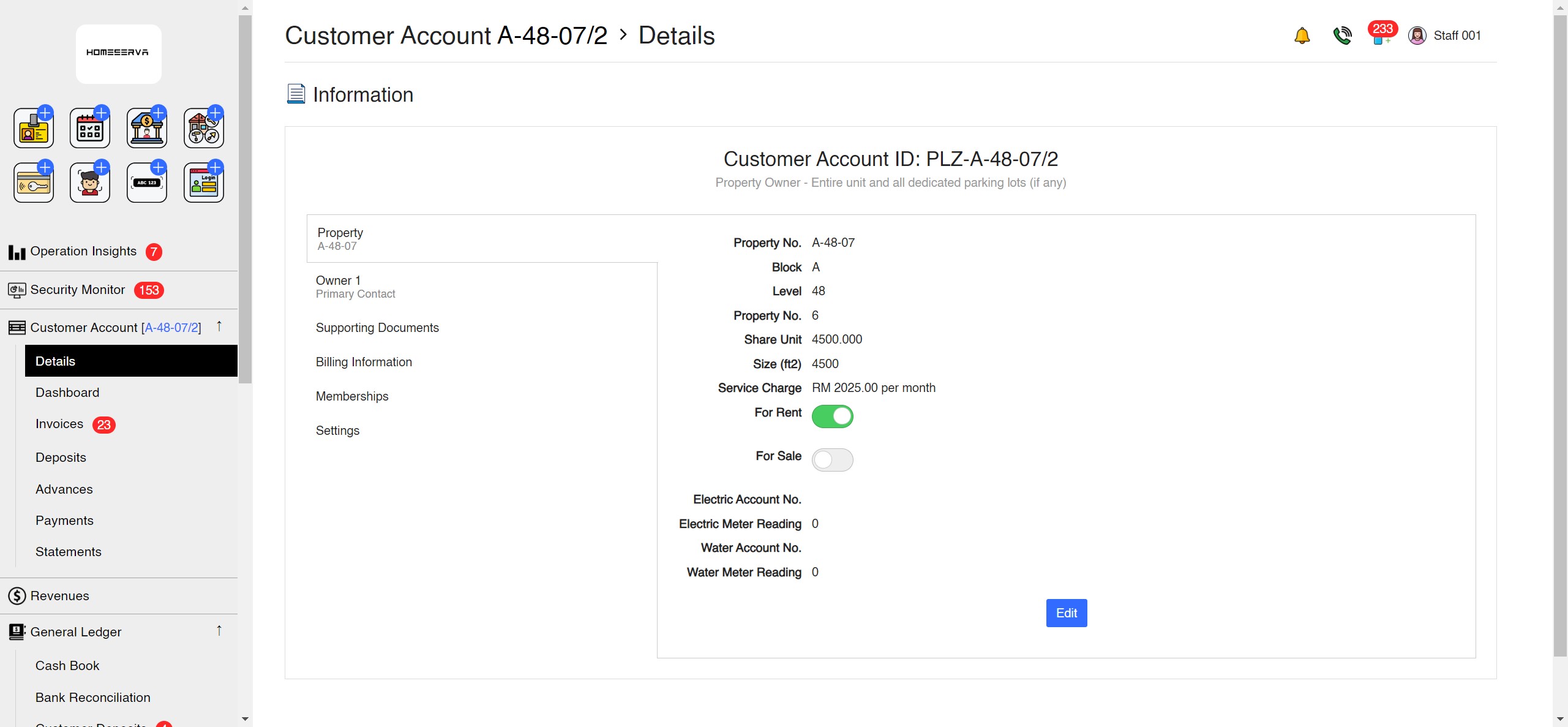
Properties on Screen
The management console, captured from the live product.
Tutorial Videos
Walkthroughs of the Properties setup.
Properties at Work
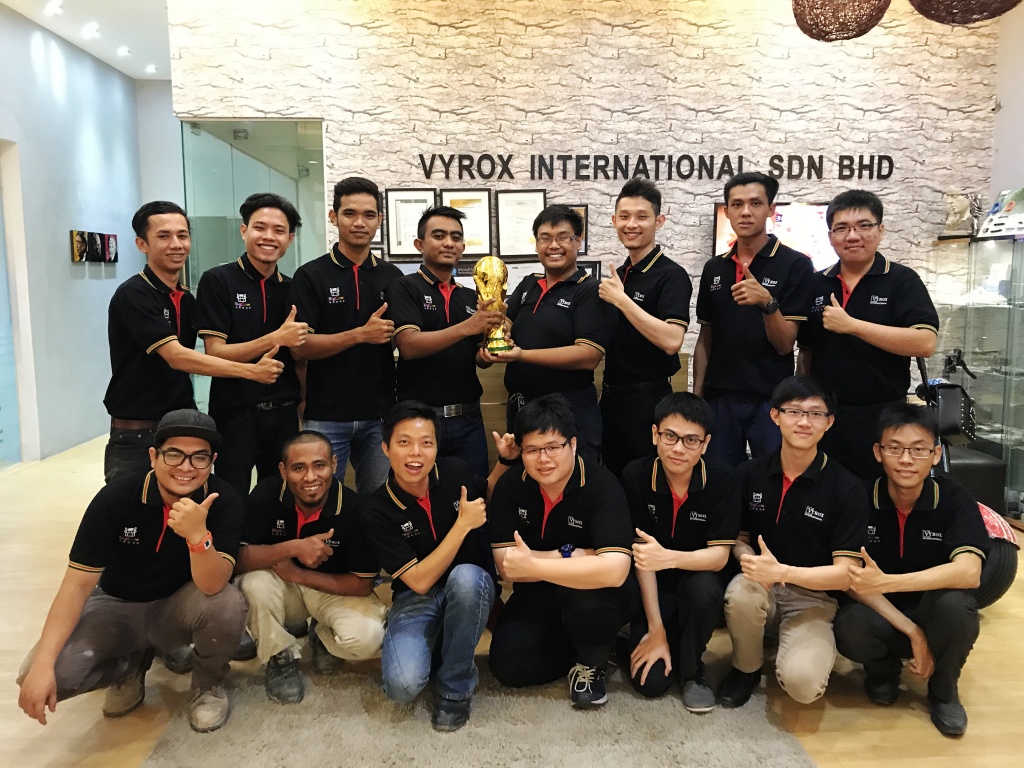
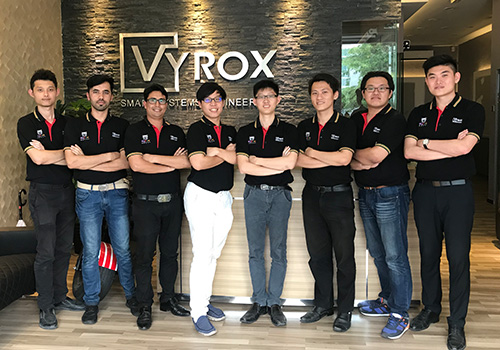
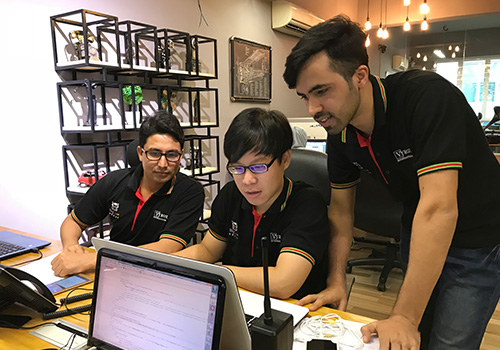
What these features look like on the ground, in a Malaysian property.


Properties Features
Everything included, in one place.
- Configure the full property hierarchy: Projects, Blocks/Towers, Levels, Units, Common Areas, Parking Zones, Parking Lots and Parking Lot Types
- Specify unit details: property number, share unit, build-up area (sq ft), number of bedrooms, number of bathrooms, reserved and non-reserved parking lots
- Share units drive maintenance fee and sinking fund billing automatically, so a corrected unit re-bases every future charge
- Register owners as Personal or Company, with a company representative recorded as the primary contact for all notices and billing
- Transfer Ownership workflow with incoming owner details, identity verification, document upload and an outstanding-balance check before approval
- Record utility account numbers per unit: water, electricity, sewerage, internet and phone
- Create resident user accounts and sub-user accounts per unit, with identity verification and a forced password change at first login
- Set properties and parking lots for sale or rent and list them on the resident marketplace, with enquiries converting into lease proposals
- Assign reserved, non-reserved, visitor, EV charging, motorcycle and disabled parking lots to units or tenancies
- Access zoning inherited from the block and level hierarchy, so gate, door and lift permissions are correct from day one
- Set visitor types for the property, each with its own approval rule, validity window and access zones
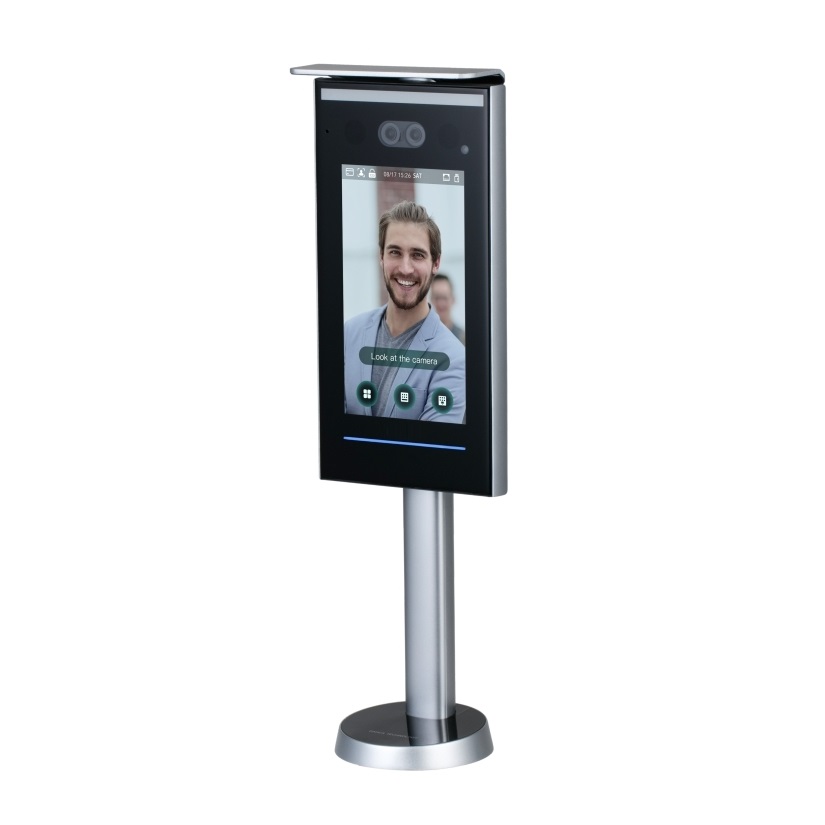
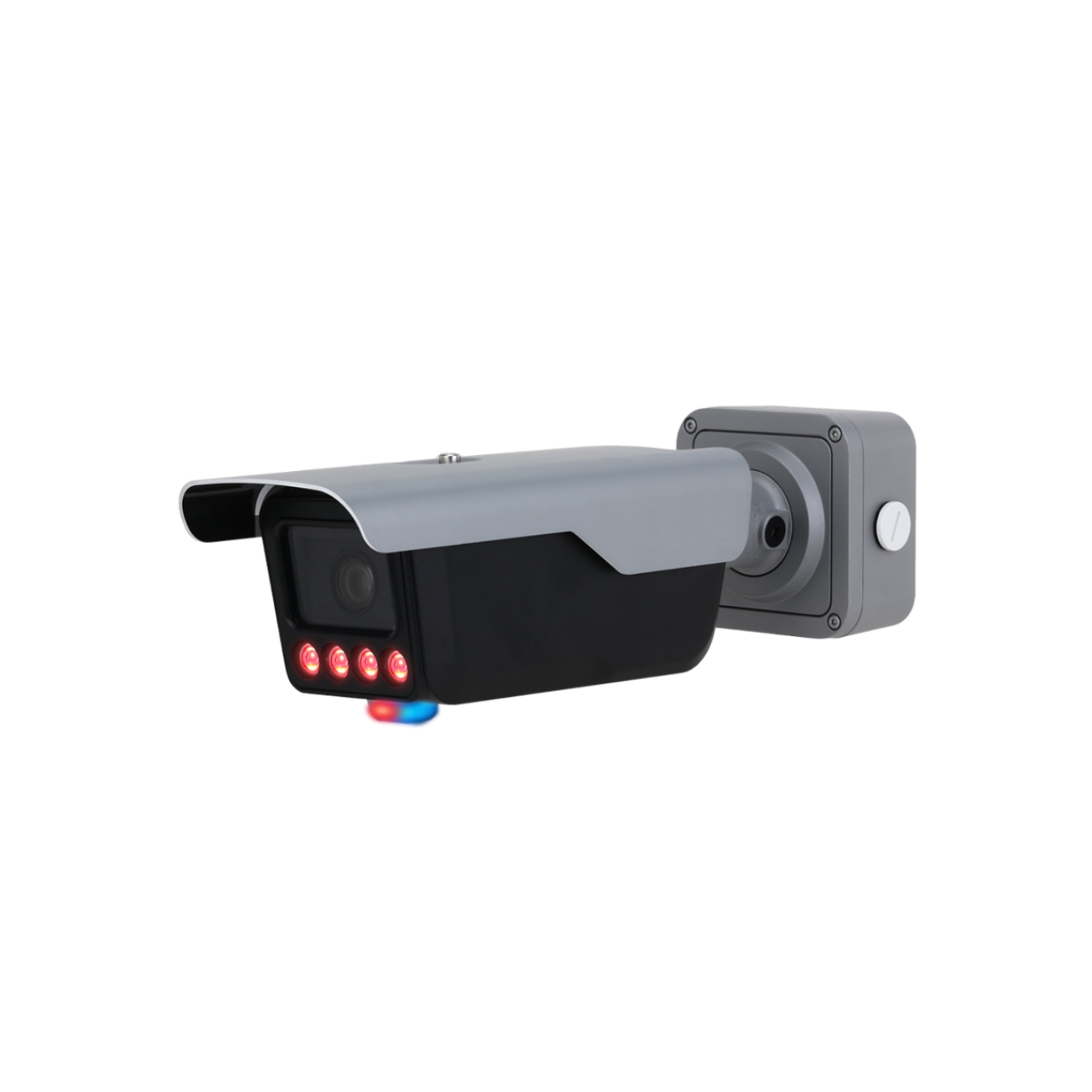
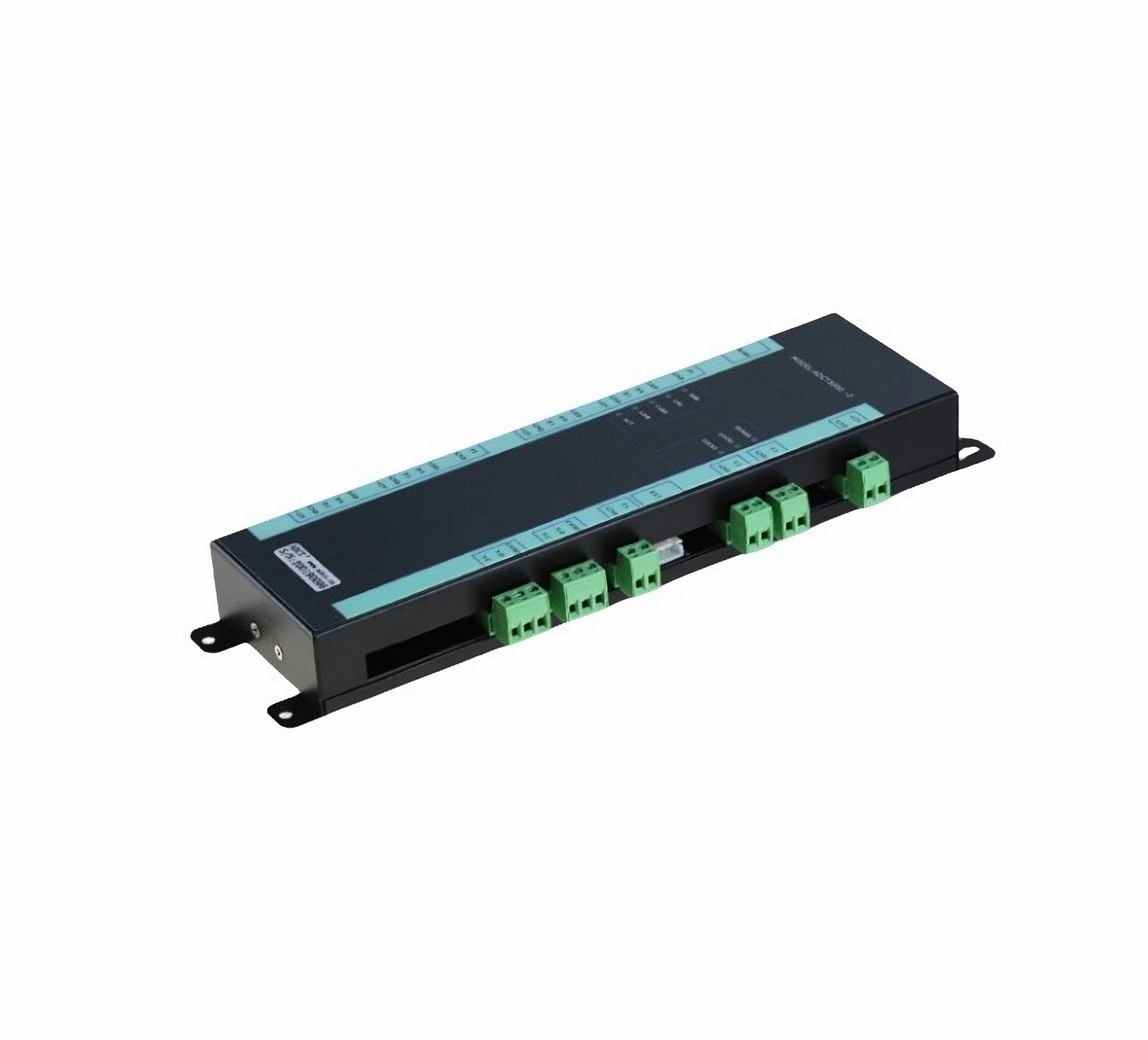
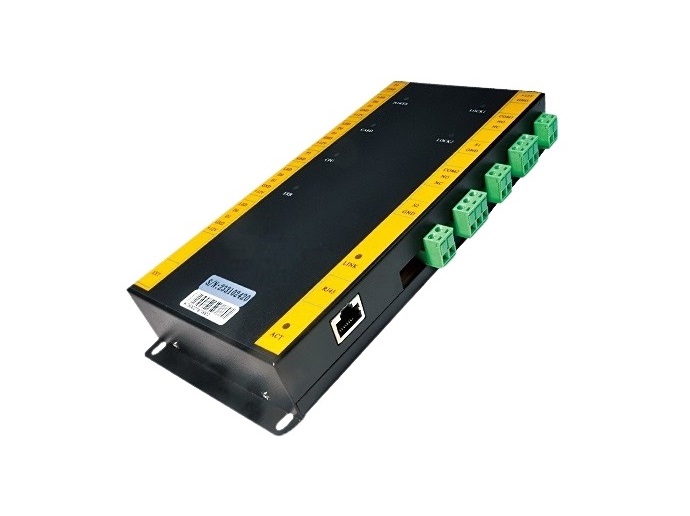
- Implement access control for residents, tenants, contractors and visitors
- Deliver announcements, notices and event news to one block, one level or the whole property
- Charge different rates for fire insurance premiums and quit rent if needed
- Configure project code, project name, project address, currency code, currency symbol, symbol placement and decimal precision per property
- Enable or disable individual modules per property, which hides them from staff, residents and the mobile app menu
- Property status dashboard: units created, occupancy, units and parking lots open for rent or sale, all tracked with year on year growth
AI IoT Industry Solutions
Six industry solutions built from these apps: facility booking, class scheduling, snooker centre, gym and fitness, RFID tracking, membership.AI-powered, IoT-connected systems built for every industry vertical.

AI IoT Facility Booking
AI-optimized scheduling with IoT occupancy sensors for courts, pools and halls
AI IoT Class Scheduling
AI-powered class scheduling with IoT capacity tracking and automated instructor assignment

AI IoT Snooker Center
IoT-automated table lighting, AI billing analytics and real-time occupancy dashboard

AI IoT Gym & Fitness
AI face recognition, IoT RFID check-in, smart billing and IoT-connected trainer scheduling

AI IoT RFID Tracking
IoT RFID sensors for real-time asset tracking, AI stock alerts and cloud-based management

AI IoT Membership
AI-powered membership tiers, IoT access integration and automated loyalty rewards