Face Recognition Access
Face Recognition Access lets residents and staff use their face instead of a card or key to open lifts, doors and gates. Users pick the access type and billing schedule they need in the app, and administrators keep full control over which entry points each face profile can open.
Enrollment happens through the app, approvals run on facial recognition, and access can be adjusted or revoked at any time without reissuing hardware.

Template store
6 enrolments held on this controller. An approved template is pushed to every UltraPASS-Face terminal within seconds.
Quality gate
Image quality is checked before a template is accepted, so a blurred enrolment never becomes tomorrow's refusal.
Snapshot
Every read stores a camera snapshot, matched or not. A stranger at the turnstile leaves a picture, not a shrug.
Where it decides
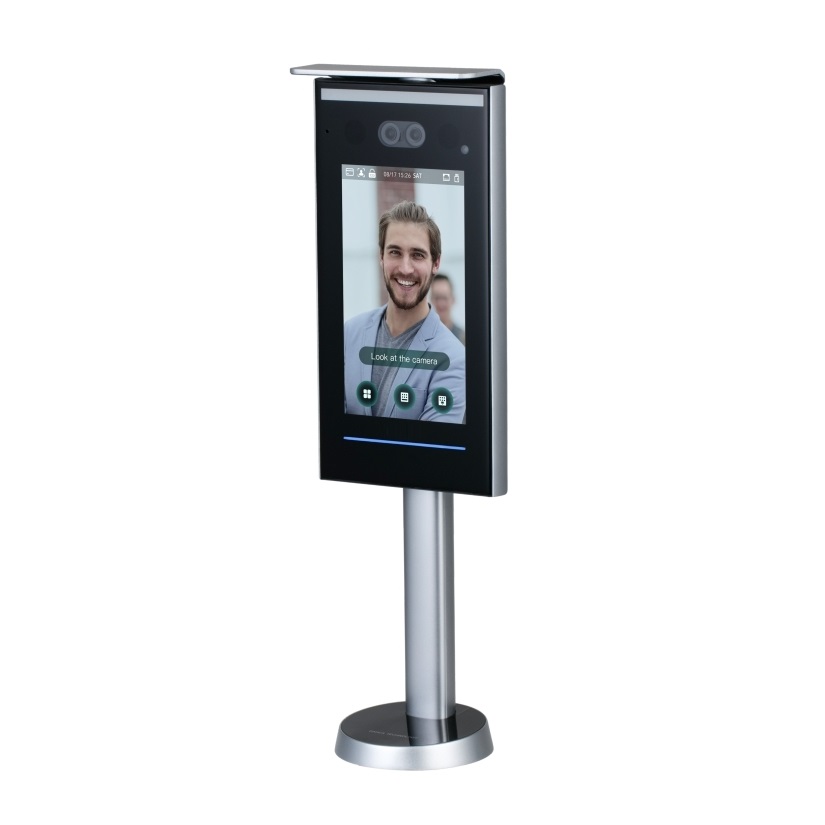
Running on the on-site local server. The turnstile keeps deciding if the internet drops.
Direction
In. Access direction is configurable per device, so the same face reads as an entry here and an exit at the lobby side.
Camera idle
No face in frame
UltraPASS-Face FT-40 | Turnstile 2, Lobby B
Turnstile locked
Who walks up next
Decision
Nobody has walked up yet. Pick a person, or let the queue step forward, and the terminal explains itself here.
Match threshold
Set to 85.0%. Tighten it and watch a real resident get refused. Loosen it and a near miss starts scoring close enough.
Lift call
Nothing released. A lift is only called once a face resolves to an active enrolment.
Match log
- Nothing recorded yet.
Six people walk up to the turnstile, and three of them are refused
A face terminal that only ever says yes is not worth buying. This one carries the refusals an operator actually meets: an unknown face, a tailgater, an enrolment suspended for arrears, and a tenant whose template expired with the tenancy.
Nothing here is a real enrolment. No face is stored and no turnstile opens. The silhouette is drawn, not a photograph of anyone.
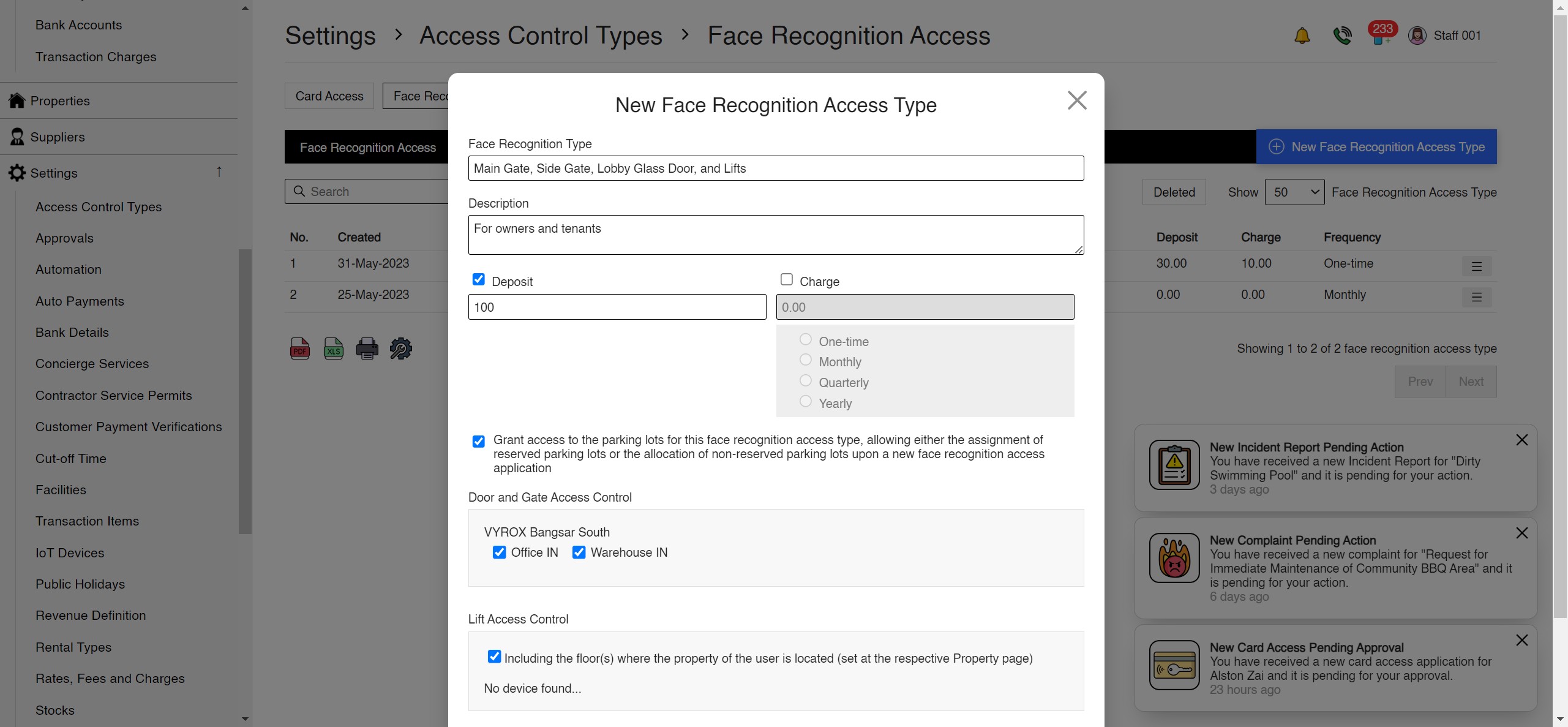
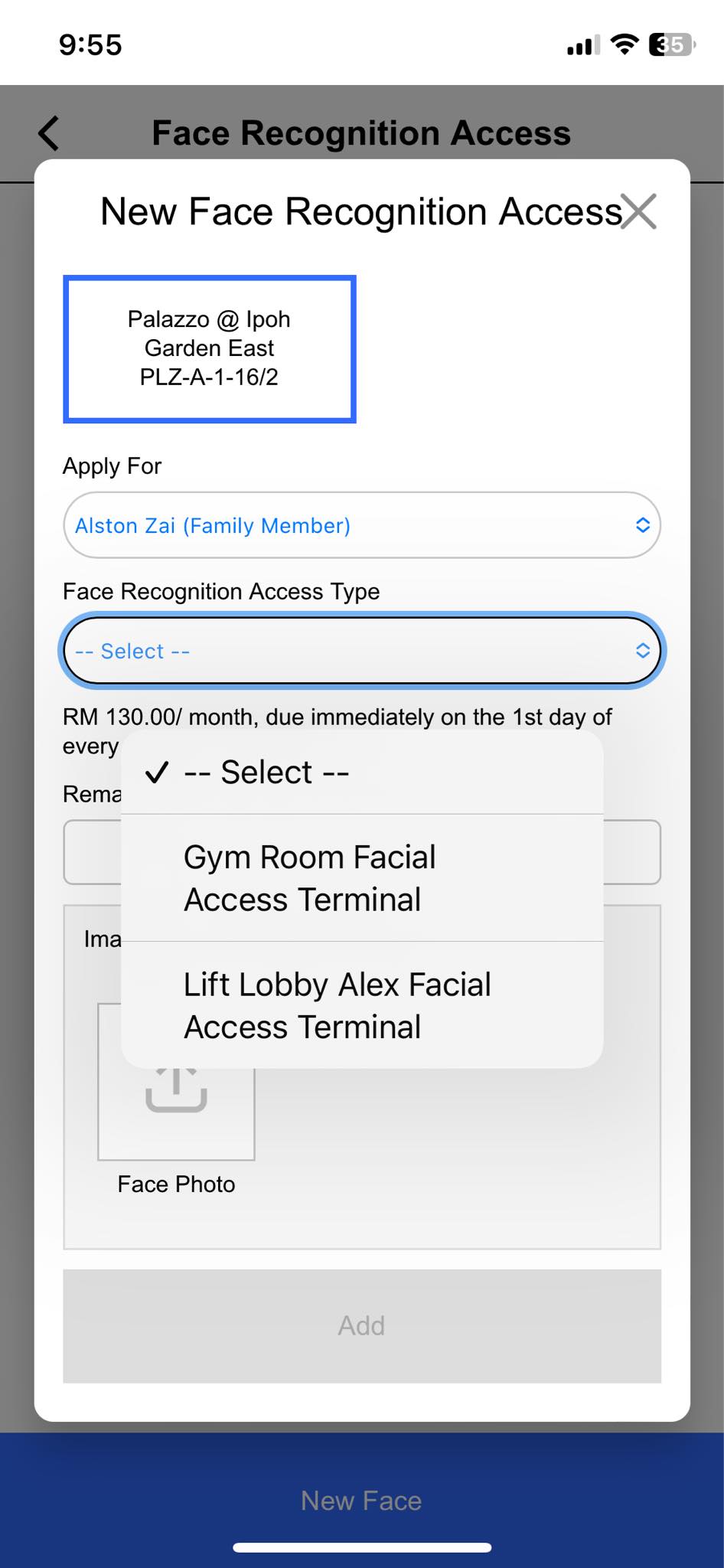
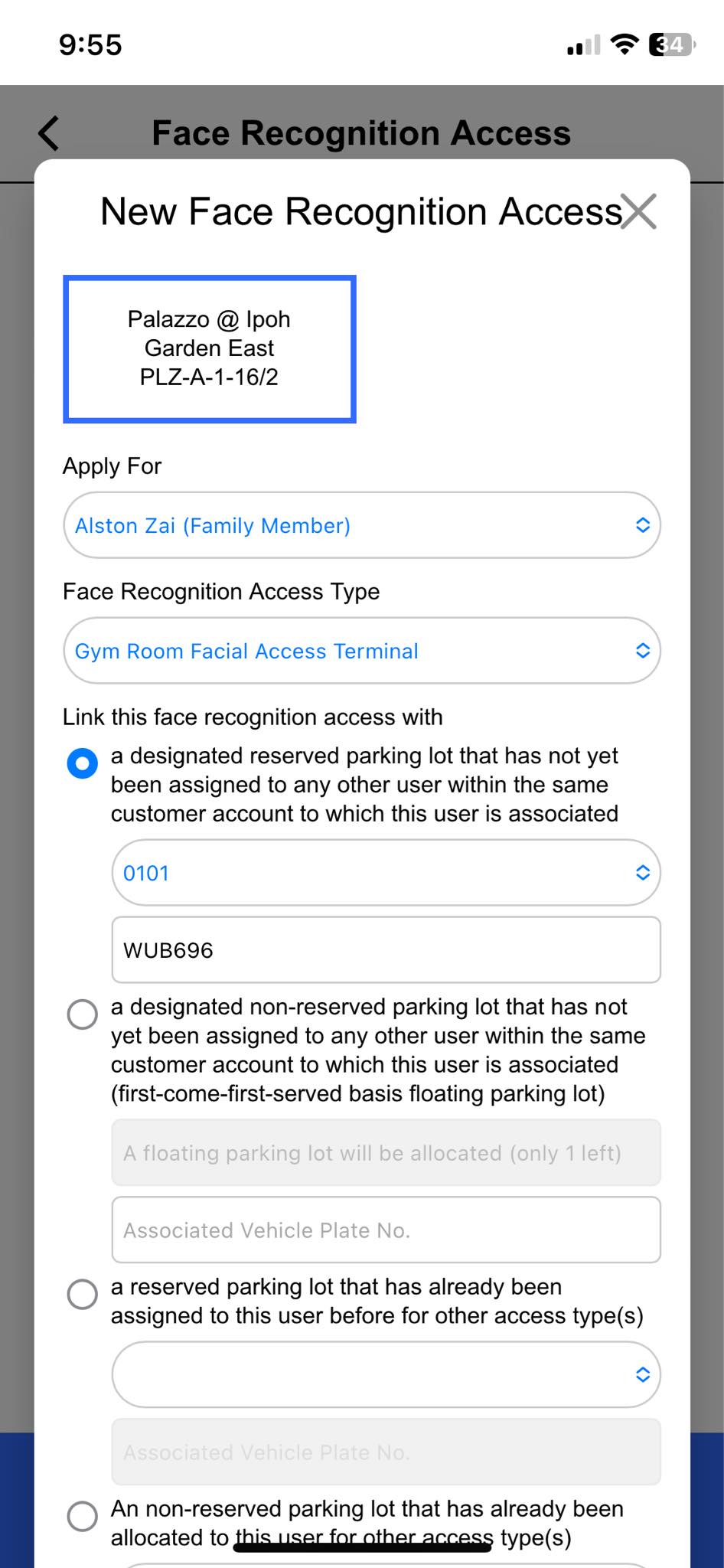
Face Recognition Access on screen
The management console and the resident app, captured from the live product.
Tutorial videos
Walkthroughs of Face Recognition Access in English and Chinese.
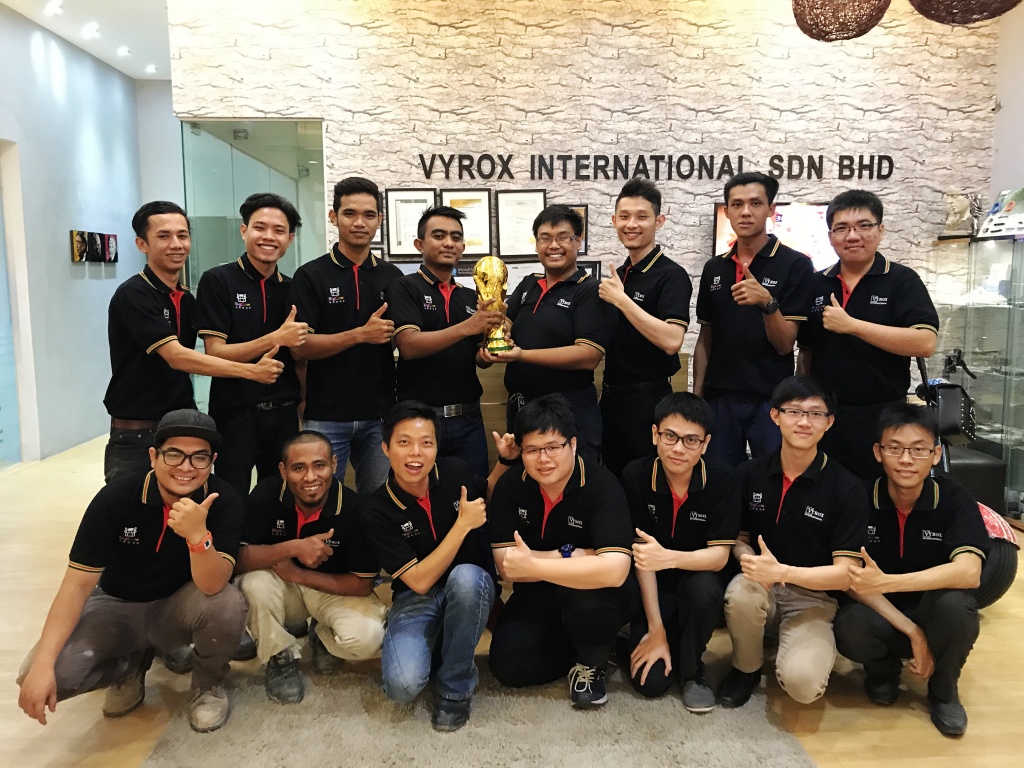
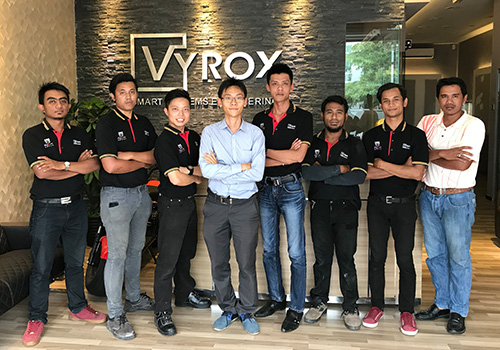
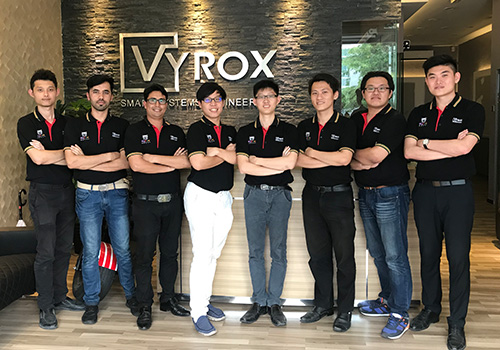
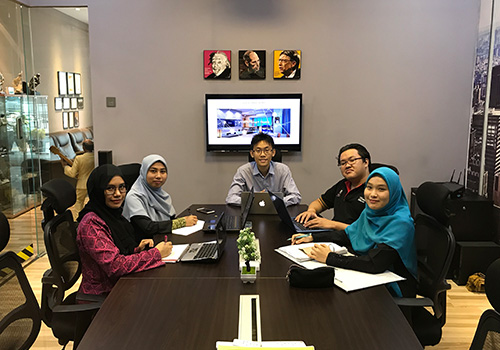
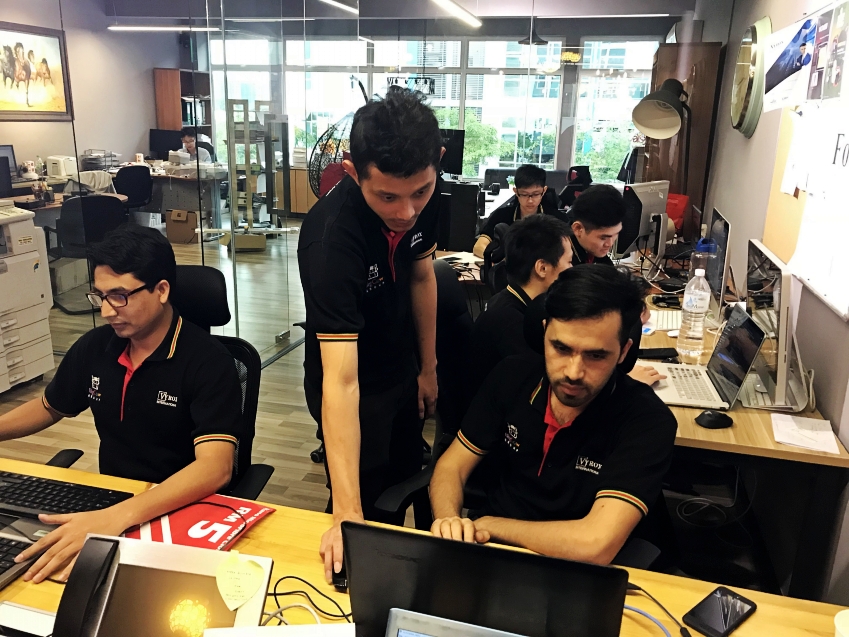
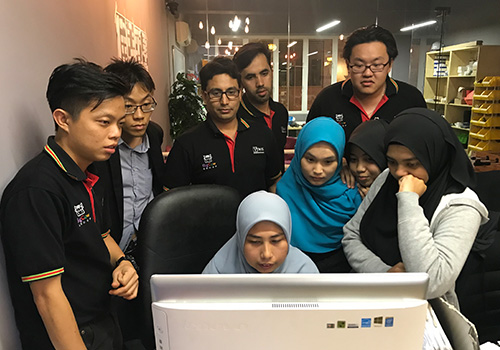
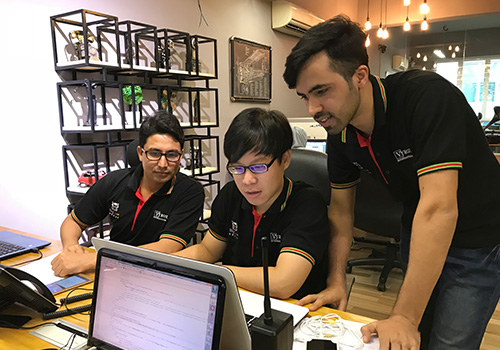
Face Recognition Access at work
What these features look like on the ground, in a Malaysian property.


Face Recognition Access features
Everything included, in one place.
- Customizable access permissions
- Flexible billing schedules
- Precise control over lift, door, and gate access
- Built into the resident and admin app
- Swift and secure approvals via facial recognition
- Simplified access management process
- Efficient, tailored access setup for both users and administrators
- Configurable face recognition types with their own deposit, charge and billing frequency
- Per-type tick lists for SuperPASS-Door, SuperPASS-Lift and UltraPASS-Vehicle access points
- Enrolment register showing application number, property number, full legal name, face recognition type, associated vehicle plate, valid from and expiry datetime
- Enrolment states of Active, Pending Approval, Rejected, Expired, Suspended and Deleted
- Identification document upload for profile picture, NRIC, passport, visa, employment pass and work permit
- Image quality checking before a face template is accepted
- Face templates pushed to every UltraPASS-Face controller within seconds of approval
- Hands-free entry with no card, no phone and no contact
- Automatic lift call with only the entitled floors released
- Tailgating detection at turnstiles with automatic lock and guardhouse alert
- Stranger and unknown-face logging with a stored camera snapshot
- Instant suspension or revocation removing the template from every controller
- Automatic expiry, with tenant enrolments tied to the tenancy agreement end date
- Automatic suspension of face access for accounts with long overdue maintenance fees
- Re-enrolment to replace a stored template after a change in appearance
- Face enrolments linked to a reserved or floating parking lot
- Full match log with access point, device, direction and reason for every refusal
- Cloud server or on-site local server operation, with configurable access direction per device
- Export of the enrolment register and match logs to PDF, Excel or CSV
AI IoT Industry Solutions
Six industry solutions built from these apps: facility booking, class scheduling, snooker centre, gym and fitness, RFID tracking, membership.AI-powered, IoT-connected systems built for every industry vertical.

AI IoT Facility Booking
AI-optimized scheduling with IoT occupancy sensors for courts, pools and halls
AI IoT Class Scheduling
AI-powered class scheduling with IoT capacity tracking and automated instructor assignment

AI IoT Snooker Center
IoT-automated table lighting, AI billing analytics and real-time occupancy dashboard

AI IoT Gym & Fitness
AI face recognition, IoT RFID check-in, smart billing and IoT-connected trainer scheduling

AI IoT RFID Tracking
IoT RFID sensors for real-time asset tracking, AI stock alerts and cloud-based management

AI IoT Membership
AI-powered membership tiers, IoT access integration and automated loyalty rewards